- Type
- Payment
- Activation
- With your Microsoft account email and password, no Visa
- Works in
- Egypt and globally, in any country
- Note
- From 100 EGP
⚠️ Note: this service needs your Microsoft account email and password (Outlook, Hotmail or Xbox), so we can sign in and pay for your purchases. It is not a gift card or top-up code.
Ready to order
PC Game Pass on your own Microsoft account. Want something else from the store? Use the calculator below.
Microsoft Store cost calculator
Type the price of the app, game, subscription or top-up in Egyptian pounds, and see what you pay.
Small amounts have a fixed price. Bigger amounts: the amount + 10% card fee + our service fee. Examples:
- 30 EGP100 EGP
- 80 EGP150 EGP
- 250 EGP375 EGP
- 500 EGP650 EGP
- 1,000 EGP1,200 EGP
- 1,500 EGP1,850 EGP
Prices last updated:
 Microsoft StoreCredit & Cards
What you get with Microsoft Store
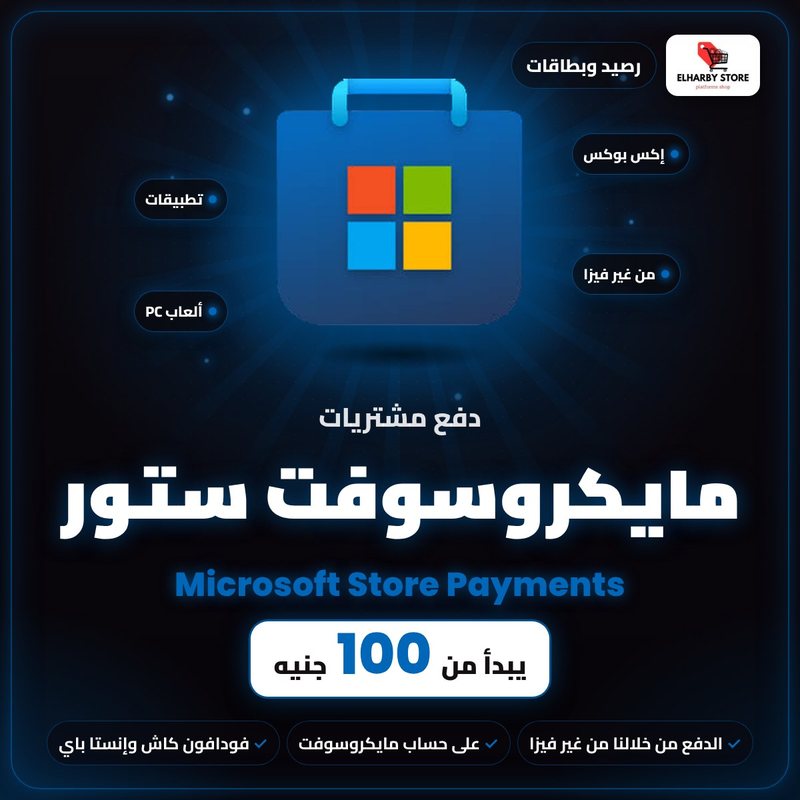
- Pay for Microsoft Store apps and PC & Xbox games
- In-game top-ups and app subscriptions
- From 100 EGP
- Pay in cash, no card needed
About Microsoft Store
No card, or your card gets declined? Our Microsoft Store payment service lets you buy Windows apps, PC and Xbox games, subscriptions and in-game top-ups on your Microsoft account while you pay us in cash with Vodafone Cash or InstaPay.
At ElHarby Store you can top up Microsoft Store credit with clear prices for every amount, pay with Vodafone Cash or InstaPay, and receive it the same day.
Microsoft Store price list in Egypt
| Credit | Cash price |
| From 100 EGP | 100 EGP |
Paying on the Microsoft Store in Egypt
The Microsoft Store accepts bank cards and PayPal. No card, or it gets declined? Pay us in cash with Vodafone Cash or InstaPay, and we pay on your account.
How it works
- Type the price in EGP in the calculator above and add it to your cart.
- Check out, pay with Vodafone Cash or InstaPay and upload the screenshot.
- Send us your Microsoft account email and password and the app or game name; we pay ourselves.
- Change your password right after.
How to order Microsoft Store
Full ordering and payment guide
Microsoft Store FAQ
How much does Microsoft Store payment cost?
It depends on the amount: up to 50 EGP costs 100 EGP, 51 to 100 EGP costs 150 EGP. Above 100 EGP: the amount + 10% card fee + 100 EGP for every 1,000 EGP (e.g. 500 EGP = 650 EGP). Type the amount in the calculator above to see your cost.
How fast is Microsoft Store credit delivered?
The same day, right after your payment is confirmed.
How do I pay?
With Vodafone Cash or InstaPay to 01098184706.
Do I need to send my account password?
For this service, yes: we need your Microsoft account email and password (Outlook, Hotmail or Xbox) to pay ourselves. Change the password right after.
What can I buy with it?
Paid Windows apps, PC and Xbox games, in-game top-ups and subscriptions paid through the Microsoft Store.
How is the payment done?
We sign in to your Microsoft account and complete the payment ourselves, so we need its email and password. Change the password right after.
Is this a Microsoft or Xbox gift card?
No, we don't send a code; we pay directly on your account.
When is the payment made?
The same day once your transfer is confirmed, as one single transaction, so decide what you want to buy before ordering.